
A static (fixed) dimensioner measures items brought to one station or conveyor, quickly and, in-line, without an operator. A handheld dimensioner goes to the item: boxes, irregular items and pallets anywhere in the building, with no installation. Choose static for one steady, high-volume lane; choose handheld for mixed items in many places.
Three ways to get dimensions
Most warehouses have had two options: bring the item to a machine, or measure it by hand. A handheld dimensioner adds a third: take the measurement to the item.
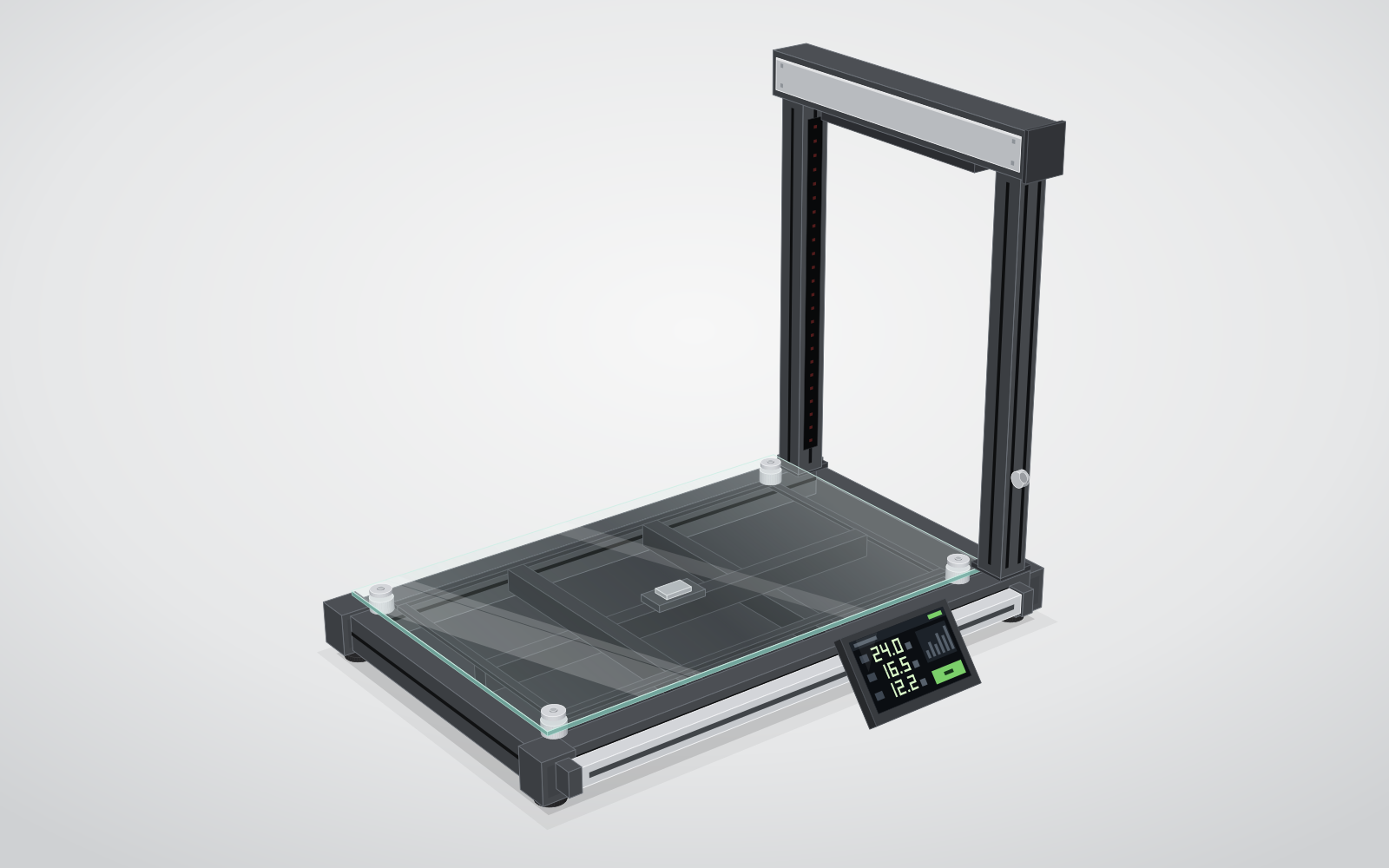
1. Fixed machinery
A station or conveyor system. Fast at one point; every item has to come to it.
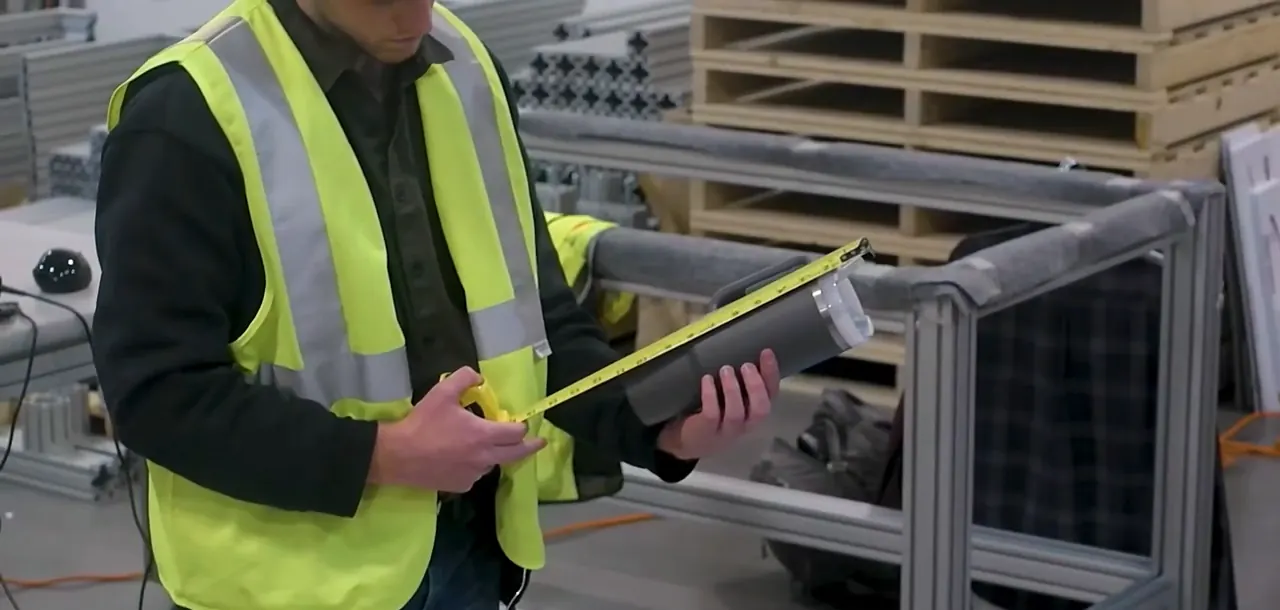
2. Tape measure
Cheap and available anywhere. Slow, and every figure is read and typed by a person.
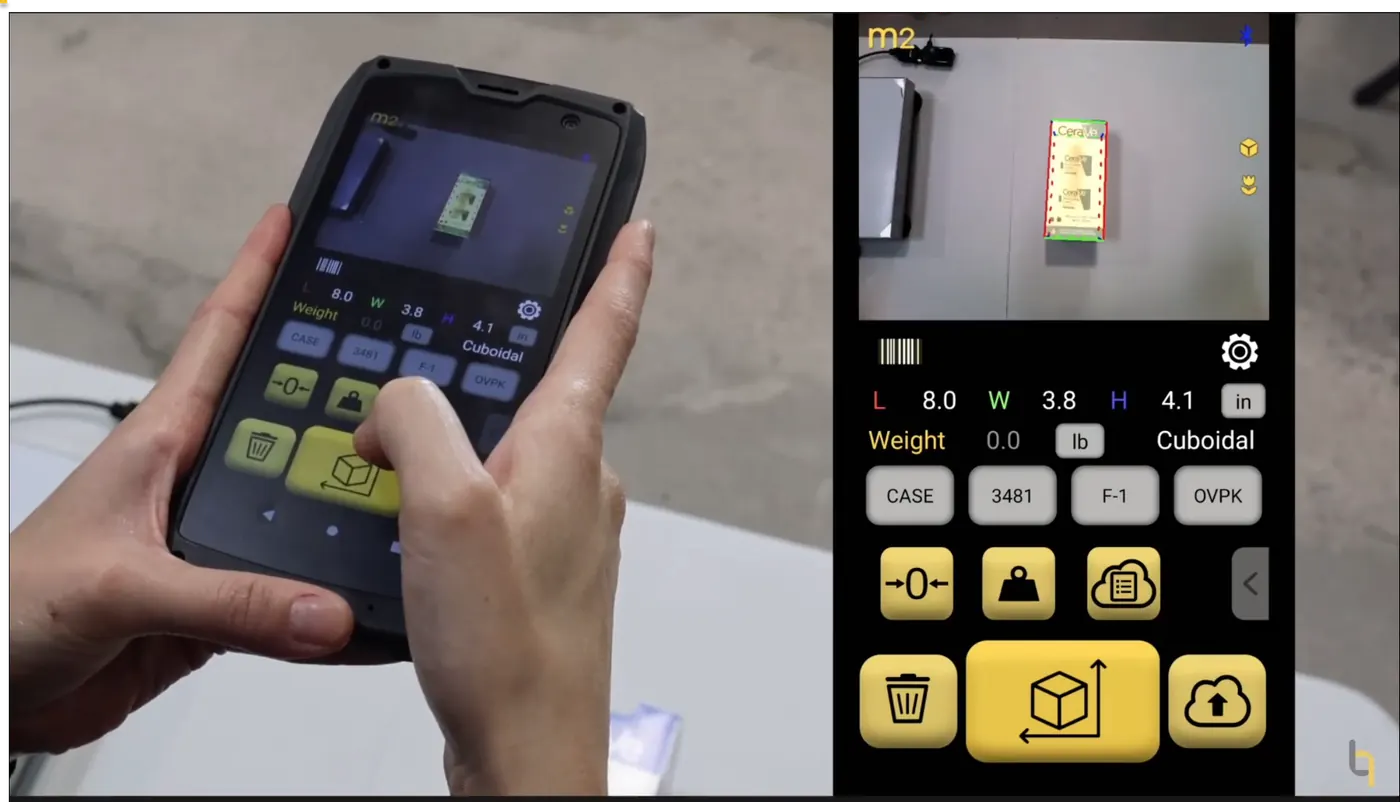
3. Handheld dimensioner
Measures where the item is. QBOID's is the M2, with the S1 when items come to a bench.
Who each option is for
Fixed (static) dimensioner
For operations where a steady flow of similar items already passes one point: a packing line, an induction station, a conveyor. Once installed it needs little operator effort, and in-line systems measure every parcel without anyone touching it. In return it takes floor or conveyor space, an installation project and capital budget, and it only measures what reaches it. Pallets usually need separate equipment.
Tape measure (and calipers)
For low volumes, occasional checks and items no machine handles well: very small parts (calipers) and very long freight (a long tape). It costs almost nothing to start. The cost is in labour and errors: each figure is read, rounded and typed, irregular items are hard to measure the same way twice, and there's no photo unless someone takes one. Bluetooth calipers and tape measures send the reading to a device, which removes the typing but not the time.
Handheld dimensioner
For mixed items across many locations: receiving, putaway, packing, returns and the dock. The M2 Mobile Dimensioner measures boxes, irregular items and, with the Pallets app, pallets, and puts dimensions, weight, barcode and three photos in one record. There's nothing to install. Each scan takes an operator, so for items that come to a bench at volume the M2 docks in the S1 Accessory, where a barcode scan starts the capture.
Side by side
Category comparison. Fixed-system figures depend on the model; QBOID figures are from the M2 spec table.
| Compared on | Fixed (static) dimensioner | Tape measure | QBOID M2 (+ S1) |
|---|---|---|---|
| Item types | What fits the station or conveyor; often boxes first | Anything a person can reach | Boxes, irregular items, pallets, crates and long boxes |
| Accuracy class | Set by the model; check the rated increment on the spec sheet | Depends on the person; worst on irregular items | ±0.25 in cuboid, ±0.5 in irregular; pallets 1 in |
| Throughput | Fast once the item is there; in-line systems need no operator | Slow: measure, read, type | One key press per item; on the S1 a barcode scan starts the captureS1 seconds per item: to be published |
| Footprint and installation | Floor or conveyor space; mounting, power, network and calibration | None | None for the handheld; the S1 takes part of a bench and assembles in under 15 minutes, without tools |
| Mobility | Stays where it is installed | Goes anywhere | Goes anywhere; works offline and syncs over Wi-Fi |
| Pallets | Usually a separate overhead or pallet system | Yes, slowly; overhang is easy to miss | Pallets app on the same M2: about 3 ft up to 7 ft wide or tall, photos of 2–4 faces |
| Irregular items | Depends on the system | Hard to measure the same way twice | Measured as the bounding box; the record is tagged Irregular |
| Very small or very long items | Limited to the station's size range | Calipers for small parts, a long tape for long freight | Bluetooth calipers (under 0.5 in) or a Bluetooth tape measure (longer freight) as steps in a WorkFlows app |
| Integration | Vendor software; usually an integration project | Typed into the WMS or a spreadsheet | HTTPS push from the device, Android intents, the QBOID Cloud REST API, or WorkFlows without code |
| Photos | Depends on the system | None, unless taken separately | Three per scan: annotated, plain, background removed |
| Typical cost model | Capital equipment, plus installation and maintenance | Low equipment cost; the cost is labour and errors | Handheld device plus an annual app licence; prices on the store ↗ |
| Limits | One location; items must be brought to it | Errors and typing; no record or photo | Not for transparent or shiny, mirror-like surfaces, or direct sunlight; one operator per scan |
When a fixed system fits better
A handheld is the wrong tool in some operations. A fixed or in-line system is the better choice when:
- Every parcel on a conveyor must be measured without an operator, for example at high-speed sortation or at a single billing point.
- Volume through one point is high and steady all day, so an operator per scan would be the bottleneck.
- The items are similar in size and shape, and they already pass that point anyway.
Many operations mix the two: a fixed system on the main lane, and handhelds for receiving, pallets, returns and the items the fixed system can't take.
When a handheld fits better
- Items are on pallets, on shelves or too big to lift, so bringing them to a station costs more than measuring them where they are.
- Work happens in several places: receiving, the dock, returns, other sites.
- You measure a mix: boxes, polybags, cylinders, crates and pallets, with one device.
- You need a photo with each measurement, as evidence for carriers, suppliers or customers.
- You need to start quickly or run a catalog project. Mann Lake measured 10,000+ products in under two weeks with two M2 devices. Pending approval
Total cost of ownership: what to count
The purchase price is one line. For a fair comparison, count these for each option over the years you expect to use it:
- Equipment
- Devices, stations, scales and spares. How many locations need one each?
- Installation
- Mounting, power, network, conveyor changes, calibration, and downtime while it's installed.
- Floor space
- Space taken at a station, and the travel to bring items to it.
- Software and integration
- Licences, and the work to get records into your WMS, ERP or TMS.
- Labour
- Operator time per item, including fetching, typing and re-measuring.
- Errors downstream
- Wrong cartons, carrier adjustments, freight reclasses and supplier disputes, and whether you have a photo to settle them.
- Upkeep
- Maintenance, calibration checks, training new staff, and replacing devices.
How to evaluate
- List the items you measure most, and the ones that cause the most trouble: irregular, oversized, pallets.
- Measure a sample with each option, on your own floor, and compare with a careful manual measurement.
- Send the results into a test system, to see what integration takes.
- Time the whole task, from picking up the item to the record arriving, not just the scan.
To try the M2 on your own items, book a demo or rent an evaluation unit through How to buy.
FAQ
What is a static dimensioner?
A dimensioner installed in one place, such as a station with a weighing deck and sensors above it, or an in-line system on a conveyor. Items are brought to it, or pass through it, to be measured.
What is a mobile dimensioner?
A handheld device that measures the length, width and height of an item where it is, instead of carrying the item to a fixed station. The M2 does this with 3D sensors: you point it at the item and press one key.
Is a handheld as accurate as a fixed system?
It depends on the fixed system: compare the rated figures on each spec sheet. The M2 measures within ±0.25 in for cuboid items and ±0.5 in for irregular items, scanned top-down from more than 18 in; pallets with the Pallets app within 1 in. See the M2 spec table.
Can one device measure parcels and pallets?
Yes. With the Item & Parcel app the M2 measures boxes and irregular items from 0.5 in to 40 in on the longest side. With the Pallets app it measures pallets, crates and long boxes from about 3 ft up to 7 ft wide or tall. See parcel dimensioning and pallet dimensioning.
Can a handheld work at a fixed bench?
Yes. Dock the M2 in the S1 Accessory, a benchtop station with a built-in scale and a wireless barcode scanner. A barcode scan captures dimensions, weight and photos hands-free; lift the M2 out to use it as a handheld again.
Can we try it before we buy?
Yes. Book a demo to see it on your own items, or rent an evaluation unit from the store. See How to buy.
Sources
- QBOID M2 specifications: M2 spec table (accuracy, size range, scan distance, limits).
- QBOID Pallets app: pallet dimensioning (range, accuracy, photos).
- QBOID S1: S1 Accessory (size and weight limits, assembly).
- Mann Lake: case study. Pending approval
- Fixed-system descriptions are general. They describe the category, not any one product.

Author: to be named To confirmReviewed by Francesco Peruch, CTO, QBOID To confirm. Last reviewed 10 Oct 2026.